What Scope Creep Is (and Why It Quietly Kills Your Profit)
Scope creep is when the work on a project slowly grows beyond what you agreed to, without the fee growing to match. It rarely arrives as one big demand. It shows up as "one small tweak", then another, then a "quick" extra deliverable, until you are doing 40 hours of work for a 25 hour price.
The damage is easy to miss because each request feels tiny. Added up across a project, those small requests mean you have worked for free, blown your deadline, and trained the client to expect more for nothing. On fixed-fee work especially, unmanaged scope creep is the difference between a profitable project and one that eats your month.
Why Scope Creep Happens
It is worth understanding the cause, because it points straight at the fix. Scope creep usually comes from one of these:
- The scope was vague to begin with. If the agreement says "a website" instead of "a six page website with two rounds of revisions", almost anything can be argued into it.
- Nobody wrote down what was NOT included. Clients do not always know where your work stops. If you never said "extra pages are billed separately", they assume they are not.
- You said yes to be nice. The first "quick favour" feels cheap to grant. The problem is that it sets the price for the next ten.
- There was no process for changes. When a change request has nowhere to go, it just becomes more unpaid work instead of a decision.
6 Ways to Stop Scope Creep Before It Starts
Most scope creep is prevented at the start of a project, not fought in the middle of one. These six habits do the heavy lifting.
- Write a specific scope. Spell out the deliverables, the quantities, and the number of revision rounds. "Two homepage concepts, one chosen, two rounds of revisions" leaves far less room to argue than "homepage design".
- List what is not included. A short "out of scope" line does more than the whole scope section. Name the obvious extras (more pages, more revisions, copywriting, ongoing support) and note that they are billed separately.
- Put it in the contract or proposal. A scope that lives in a signed proposal or contract is a reference you can point back to, not a memory you have to defend.
- Set a revision limit. "Includes two rounds of revisions, further rounds at [rate]" turns an endless-feedback loop into a clear, priced choice.
- Track your time against the scope. If you log hours to the project, you can see the moment you cross from "on scope" into "doing extra", instead of noticing at the end when it is too late to bill.
- Have a change order ready. When a request lands outside the scope, you want a calm, standard response, not an awkward negotiation. The template below is that response.
Scope is a selling point, not red tape
Clients do not resent a clear scope. What clients resent is surprise bills and blown deadlines. A tight scope with a named change process actually makes you look more professional, and it protects the relationship as much as it protects your time.
How to Say No Without Losing the Client
You almost never have to refuse a request. You just have to move it into the paid lane. The trick is to say yes to the work and yes to the price in the same breath. A few lines that do the job:
- "Happy to add that. That sits outside our original scope, so I will send a quick change order with the cost and the new timeline."
- "Good idea. That is a separate piece of work. Want me to price it up as an add-on?"
- "I can do that. Just so we stay on track for launch, it would move the deadline by about three days. Shall I put it in a change order?"
Notice that none of these say no. Each one says "yes, and here is what it costs". That is the whole skill.
The Change Order Process (+ Free Template)
A change order is a short, written note that says: here is the new request, here is what it adds to the cost and timeline, and work starts once you approve it. A change order turns an argument into a simple yes or no. A change order template you can copy and adapt:
Project: [project name]
Client: [client name]
Date: [date]
Change order #: [number]
1. Requested change. [Describe exactly what the client has asked for that sits outside the original scope, for example "a second homepage design concept" or "three extra blog posts".]
2. Why it is out of scope. The original agreement covered [brief reminder of what was agreed]. This request is additional work.
3. Impact on cost. This change adds [amount] to the project total, or [X hours] at [hourly rate].
4. Impact on timeline. This change moves the delivery date by [X days / to a new date].
5. Approval. Work on this change begins once it is approved in writing below. The rest of the project continues on the original schedule.
Approved by:
Client: ______________________ Date: __________
Provider: ______________________ Date: __________
Send it the moment a request lands outside scope, while it is fresh and small. The client either approves it (you get paid for the extra work) or drops it (you protect your timeline). Either way, you win.
Where Your Tools Help
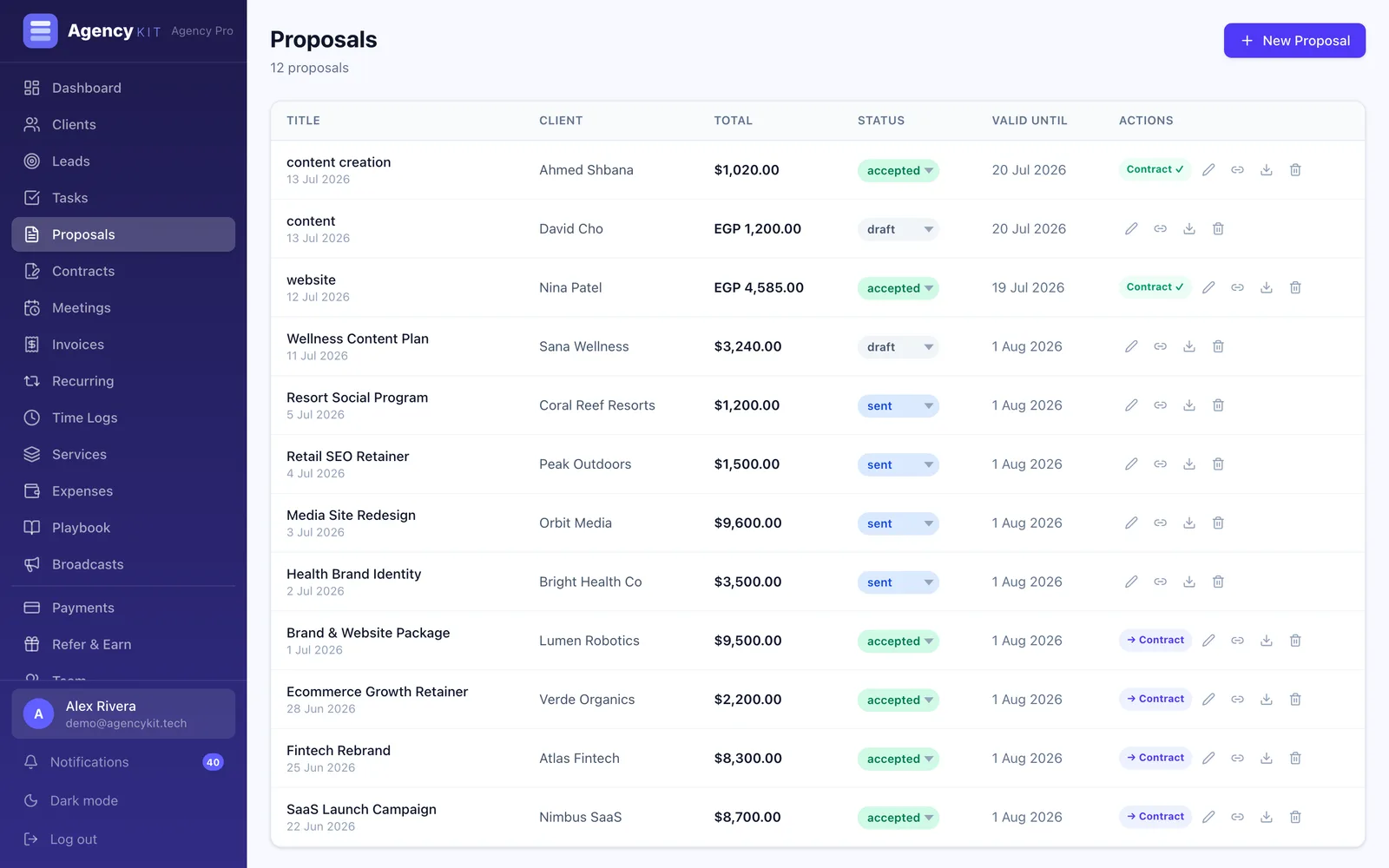
Preventing scope creep is mostly about making the scope visible and the extra work billable, and that is exactly where a connected system earns its keep. In AgencyKit the scope lives in the proposal and the contract, tasks and time tracking show you how much of the scope you have actually used, and an extra piece of work becomes a new invoice line rather than a favour. For ongoing clients, a retainer with a defined monthly scope and overage billing handles the same problem on repeat.
Wrapping Up
Scope creep is not a people problem, it is a clarity problem. Write a specific scope, say plainly what is not included, set a revision limit, and keep a change order handy for anything extra. Do that and "one quick tweak" stops being a threat to your margin and turns into a simple, paid decision.
Next, make sure the work you scope actually gets paid: see how to get clients to pay on time, and if you bill monthly, how retainer agreements work.
Key Takeaways
- Scope creep is a clarity problem, not a people problem. Scope creep grows from vague scopes and unspoken assumptions about what is included
- Prevent it up front: define deliverables and revision rounds, state what is NOT included, and keep the scope in a signed proposal or contract
- You almost never have to say no. Move extra requests into a paid change order that names the added cost and timeline
- Track time against the scope so you spot the moment work outgrows the fee, especially on fixed-fee projects
- AgencyKit keeps the scope in the proposal and contract, shows scope used via tasks and time tracking, and turns extra work into a billable line, from $9/month
Frequently Asked Questions
Scope creep is when the work on a project gradually grows beyond what was agreed, without the fee growing to match. Scope creep usually arrives as a series of small "quick" requests rather than one big change, which is what makes it easy to miss until you have done a lot of unpaid work.
Prevent it at the start. Write a specific scope with deliverables and revision limits, state clearly what is not included, and put it in a signed proposal or contract. Then handle any extra request with a change order rather than just absorbing it. Most scope creep is won or lost before the project even begins.
Do not refuse it, reprice it. Say something like "Happy to add that, it sits outside our original scope, so I will send a quick change order with the cost and timeline." You are saying yes to the work and yes to the price at the same time, which keeps the relationship warm while protecting your margin.
A change order is a short written note that describes a new request outside the agreed scope, states what it adds to the cost and timeline, and says work starts once the client approves it in writing. A change order turns an awkward negotiation into a simple yes or no, and it gives you a record if there is ever a dispute.
Yes, once you pass the number of revision rounds you agreed. Include something like "two rounds of revisions included, further rounds at [rate]" in your scope. Endless revisions are one of the most common forms of scope creep, and a clear limit turns them into a priced choice for the client.
Scope creep hits fixed-fee work hardest, because the price is locked but the hours are not. Every unpaid extra lowers your effective hourly rate, so a profitable project can quietly become a loss. Tracking your time against the scope is the best early-warning system, since it shows you the moment the work outgrows the fee.
Reading this in Google? You can tell it to show AgencyKit to you more often.
Sources & References
- Project Management Institute, guidance on scope management and change control. pmi.org
- U.S. Small Business Administration, contracts and client agreements guidance. sba.gov
- AgencyKit proposals, contracts & retainers (2026). agencykit.tech