In This Guide
What client portal software has to do
The phrase covers two quite different products, and buying the wrong one is the usual mistake.
A file portal gives a client a branded place to download documents. Accountants and law firms use these constantly and they work well.
A relationship portal adds the things the client needs to do rather than just read: sign the contract, pay the invoice, approve the deliverable, see where the project is. For anyone who bills for delivered work, that second kind is what removes email from the middle of everything.
How we compared them
Five questions, in the order they usually decide it.
- Whose brand is on the page? A portal with the vendor logo undercuts the reason you bought it.
- Can the client sign and pay there? If not, you still send two other links.
- Can the client approve work? Approvals are where the time actually goes.
- Are client logins seats? This is what makes portals expensive at thirty clients.
- Which countries and currencies? Several well known names are still narrow here.
The seven, and who each suits
| Tool | Best for | From |
|---|---|---|
| AgencyKit | Agencies wanting sign, pay, approve and progress in one branded portal, billed per account | $9/mo |
| Copilot (Assembly) | Larger agencies wanting a polished, heavily customisable portal | $39/mo |
| Moxie | Solo freelancers who want a portal alongside a simple CRM | $20/mo |
| HoneyBook | Service businesses in supported countries, per seat | $19/mo |
| SuiteDash | Teams that want deep configuration and will invest the setup time | $19/mo |
| Clinked | Firms whose main need is secure file sharing with branding | $95/mo |
| Notion or Google Drive | Very light needs where a shared folder is genuinely enough | Free |
Prices move
The prices in this comparison are list prices at the time of writing, and vendors change them. Check the current page before you decide, and check whether the plan you are quoted includes client logins.
Choosing between them
If you only share files, the cheapest option that carries your logo wins. Do not pay for contracts and invoicing you will not use.
If clients need to sign and pay, narrow to the all-in-ones and then decide on pricing shape. With five clients, per seat and per account cost about the same. With thirty, they do not.
If you work internationally, test payments first. Several of these support a short list of countries, and finding out after you have migrated is expensive.
Where AgencyKit sits
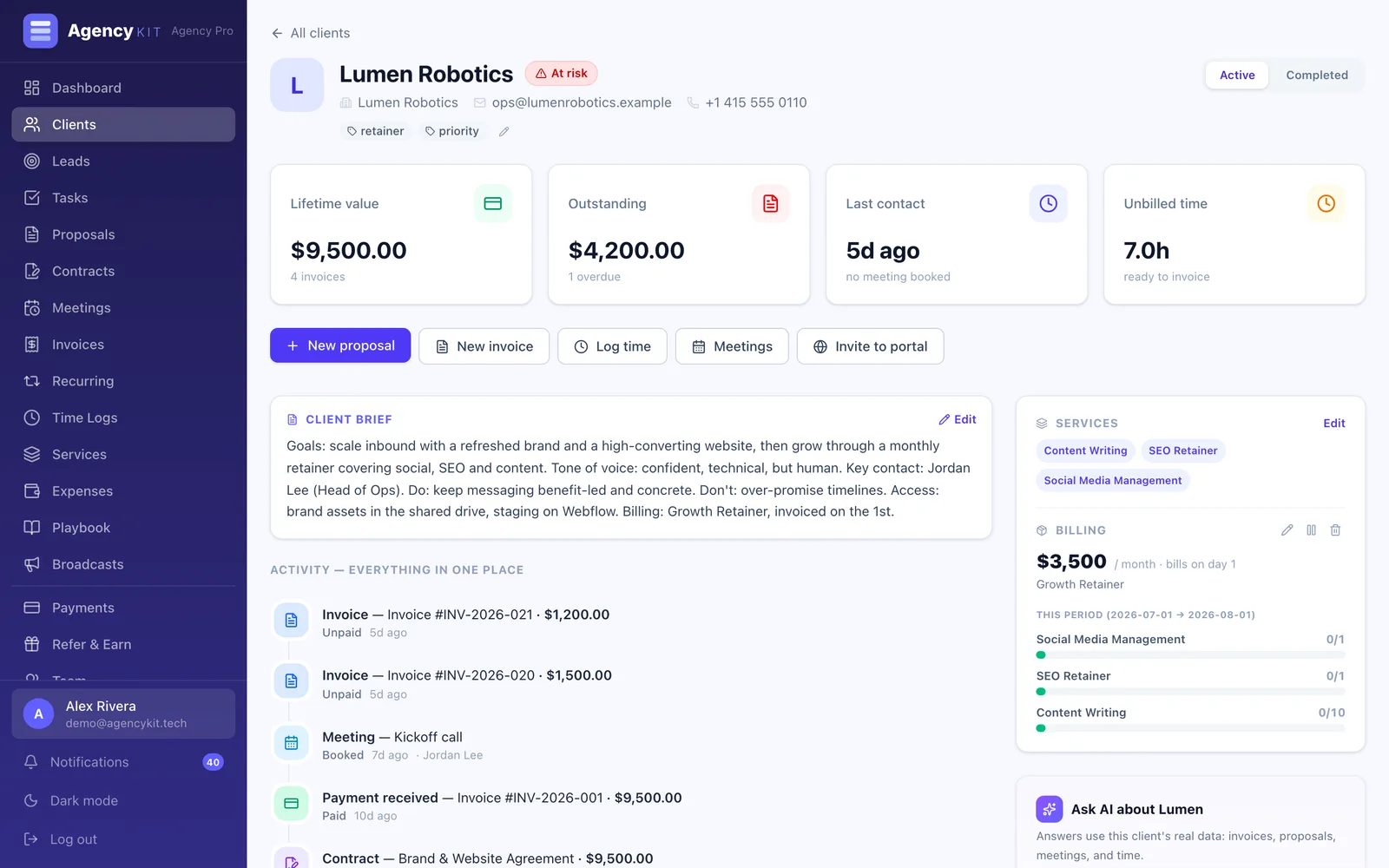
AgencyKit is the all-in-one end of this list. Each client gets a branded portal holding their contracts to sign, invoices to pay, deliverables to approve, project progress, their brief, and a booking link for their account manager.
Two things make it different from most of the list. Pricing is per account, so client logins cost nothing and neither does hiring. AgencyKit also works worldwide with USD, EUR, GBP, EGP, SAR and AED, which matters if your clients are not all in one country.
Key Takeaways
- File portals and relationship portals are different products, buy the one you need
- The deciding questions are branding, signing, paying, approving, and how seats are counted
- Per-seat pricing is fine at five clients and painful at thirty
- Check country and currency support before migrating, not after
- AgencyKit covers sign, pay, approve and progress from $9 a month per account
Frequently Asked Questions
The best client portal software depends on how much of the client relationship should live inside the portal. For sharing files with your branding, a simple portal is enough. For clients who need to sign contracts, pay invoices and approve work in one place, an all-in-one is the right shape, and AgencyKit does that from $9 a month per account. Copilot suits larger agencies at $39, Moxie suits solo freelancers at around $20.
Yes, with limits. A shared Google Drive or Notion page is free and honest about what it is: a place to read documents. Some portal products have free tiers capped at a couple of clients. What is generally not free is the combination of your branding, e-signature and online payment, because those cost the vendor money to provide.
Some do and it is the single biggest cost difference in this category. Tools priced per user often count each client login as a user, so the bill grows with your client list. Tools priced per account charge one flat fee whatever the number of clients. At thirty clients the difference is usually several hundred dollars a month.
In all-in-one portals yes. The client opens one branded link, signs the contract with an e-signature, and pays the invoice by card or another supported method in the same place. In file-sharing portals no, and you end up sending a separate signing link and a separate payment link, which is the thing the portal was supposed to prevent.
At minimum: your branding rather than the vendor logo, the client documents, and a clear view of what is waiting on them. Beyond that, the features that save real time are e-signature, online payment, deliverable approvals, and project progress. Anything the client would otherwise email you about is a candidate for the portal.
Fewer than the marketing pages suggest. Payment support is the usual constraint, since portals rely on payment providers that are not available everywhere. AgencyKit works worldwide and supports six currencies including EGP, SAR and AED, which most of the better known alternatives do not.
Fewer than most tools ship. In practice clients use four things: seeing what has been sent to them, approving what needs approving, finding an invoice and paying it, and finding a file without asking. Everything else, meaning chat threads, dashboards, notifications and activity feeds, tends to be used in week one and never again. When comparing client portal features, weigh how few clicks those four take over how long the list is.
Reading this in Google? You can tell it to show AgencyKit to you more often.
References
- AgencyKit client portal, contracts and invoicing (2026). agencykit.tech
- AgencyKit pricing, billed per account (2026). agencykit.tech
- AgencyKit white label for agencies (2026). agencykit.tech